> For the complete documentation index, see [llms.txt](https://docs.b2bridge.io/llms.txt). Markdown versions of documentation pages are available by appending `.md` to page URLs; this page is available as [Markdown](https://docs.b2bridge.io/b2bridge-lock/storefront-display.md).

# Storefront display

Read [setup guide for lock rule](/b2bridge-lock/app-configuration.md).​

The application alters your theme's storefront components based on three distinct behaviors:

### 1. Hide price

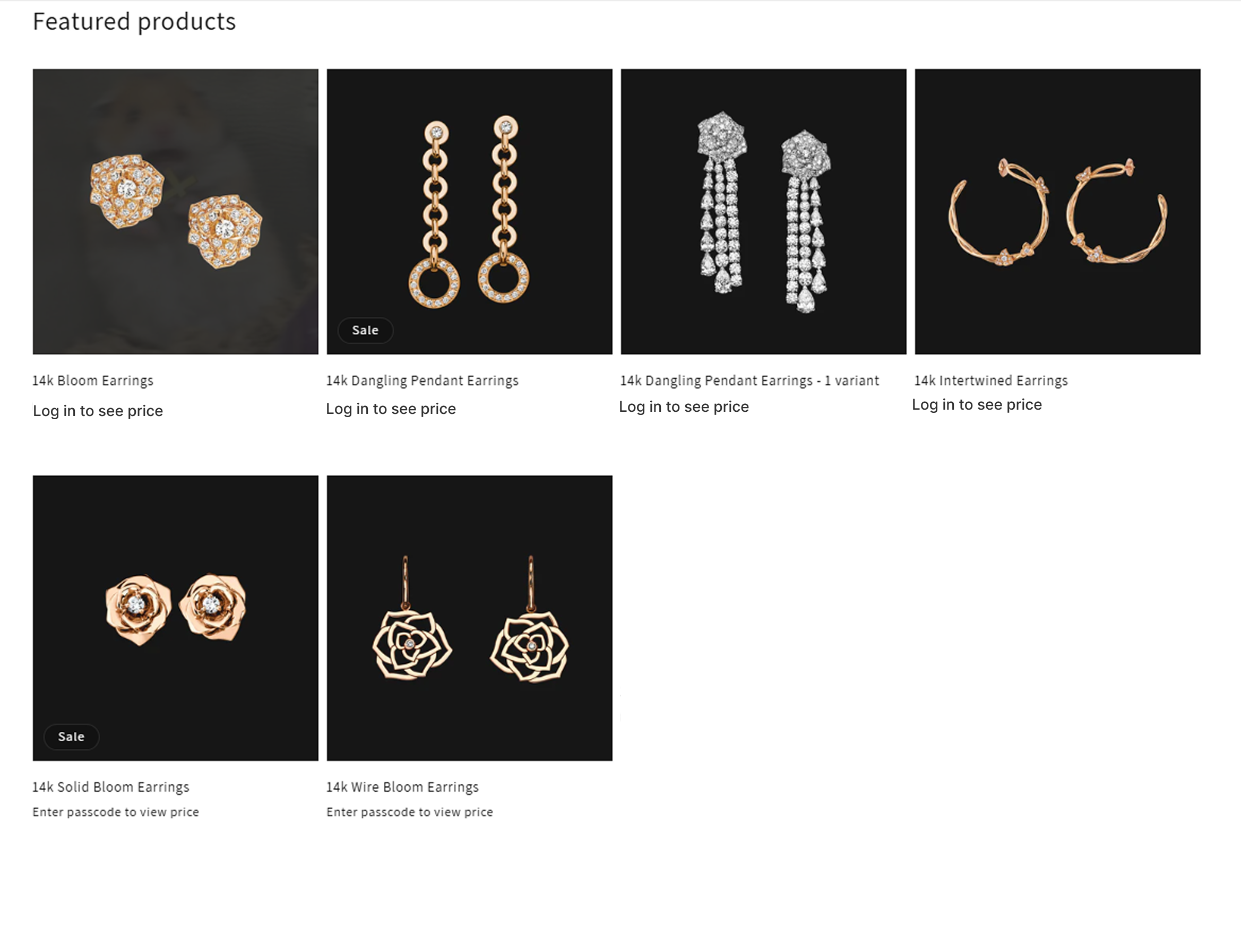
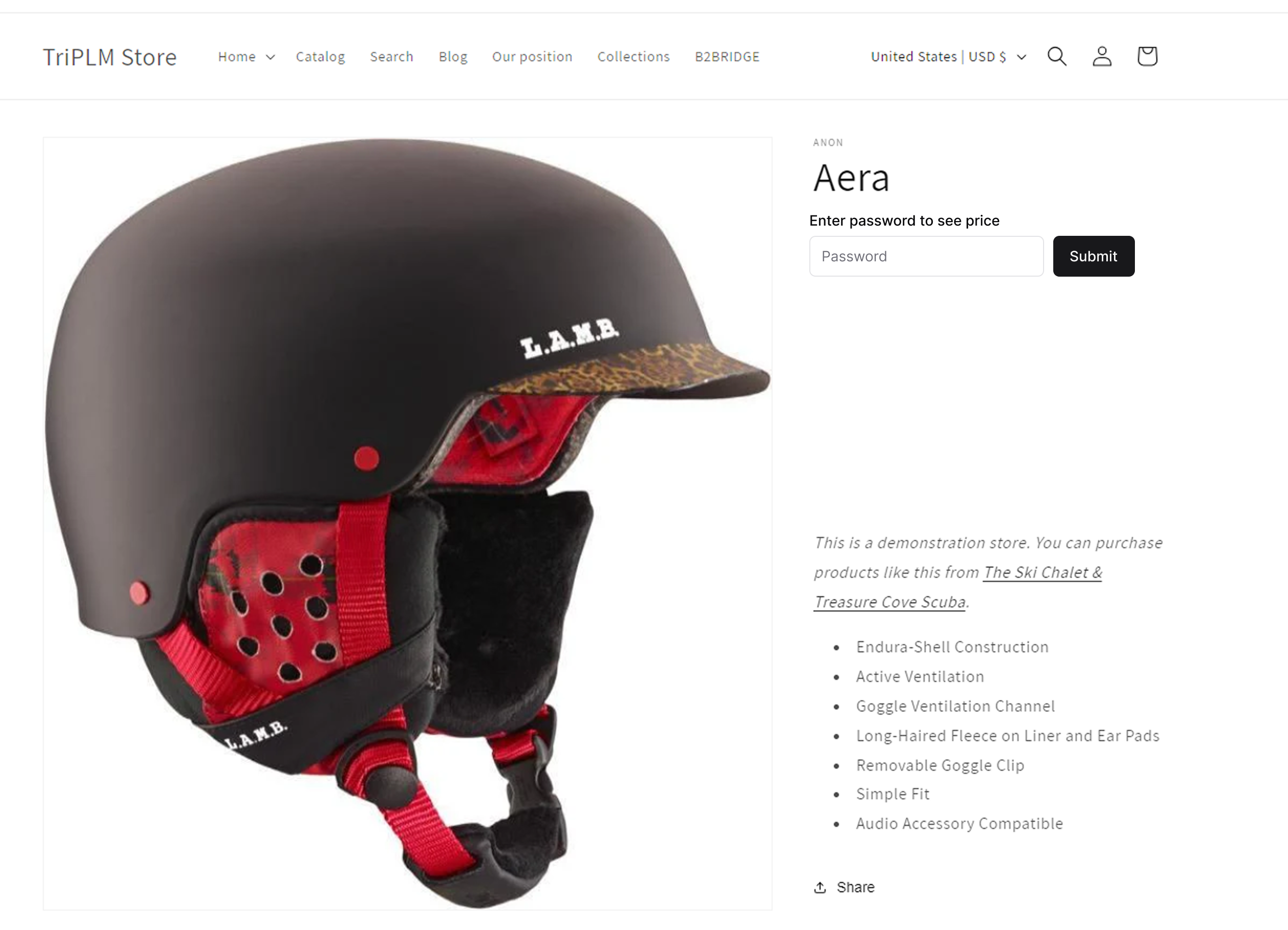
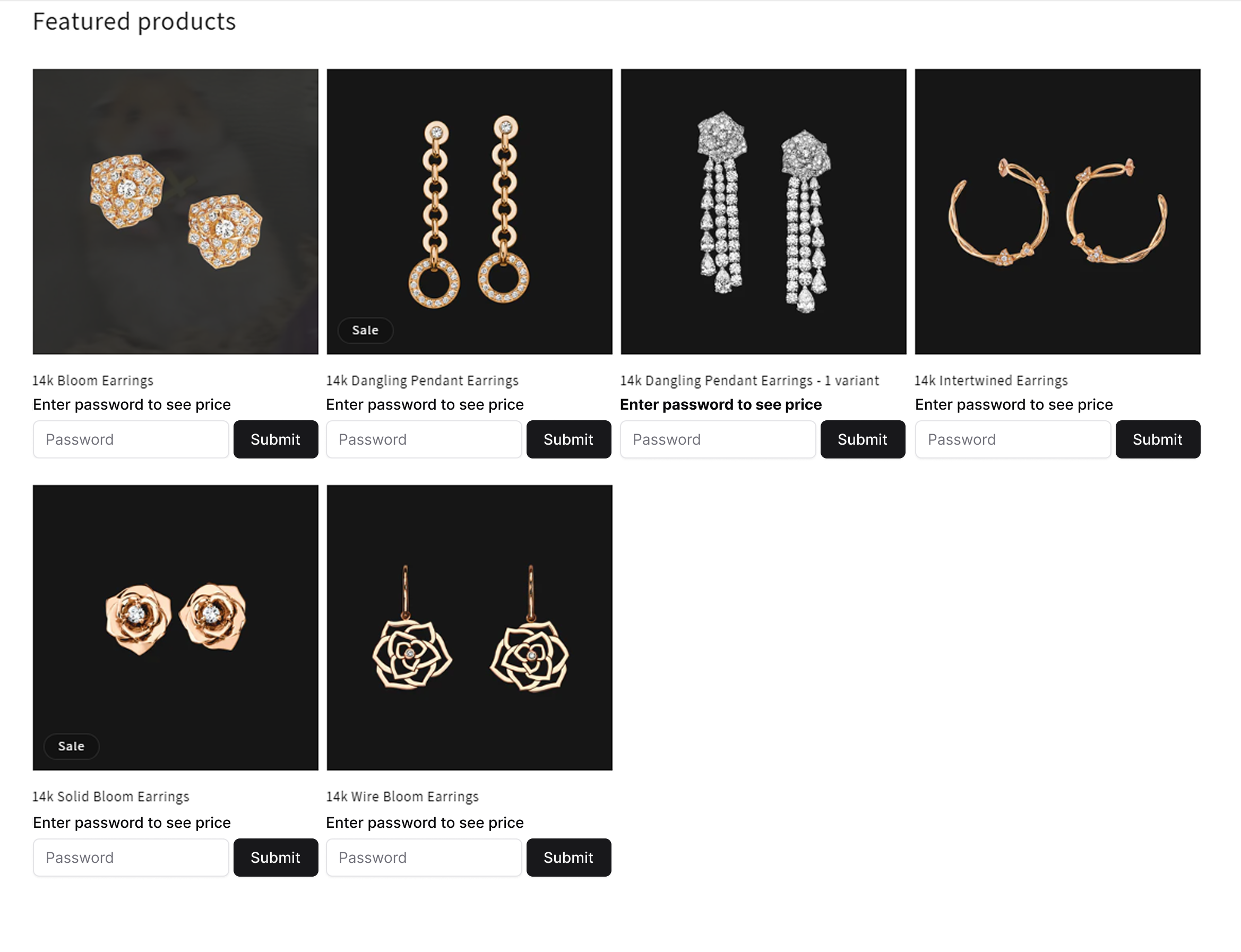
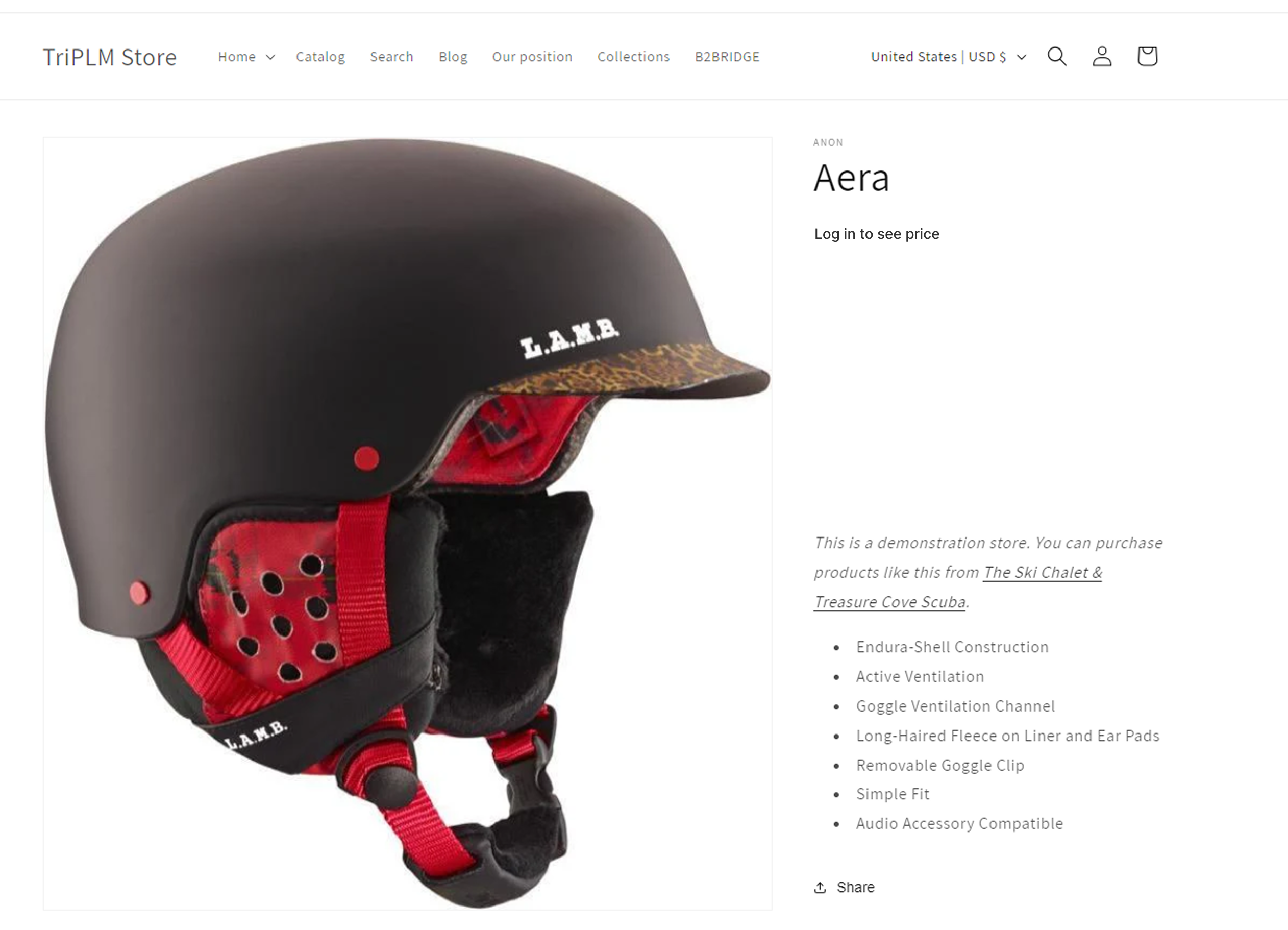
When you apply a **Hide product's price** rule, the product remains discoverable on collection grids and product pages. However:

* The original price text is hidden.
* The Add to Cart and Buy It Now buttons are disabled.
* A custom fallback container is rendered in place of the price, prompting visitors to log in, verify their account, or provide a passcode.

<figure><img src="/files/48kF8Cqg2BhGycOt6yrl" alt=""><figcaption><p>Hide price of a product &#x26; display a custom message "Log in to see price"</p></figcaption></figure>

<figure><img src="/files/lAzl41LwqKW60kLl6e04" alt=""><figcaption><p>Hide price of products &#x26; display custom message "Log in to see price"</p></figcaption></figure>

<figure><img src="/files/YJjN5kCpOqBVhe64Ck5B" alt=""><figcaption><p>Lock a product price and only allow customers with password to view the price</p></figcaption></figure>

<figure><img src="/files/lN7XGdqKsgiM5Wkm0ebg" alt=""><figcaption><p>Lock specific products and only allow customers with password to view the price</p></figcaption></figure>

#### 2. Hide product entirely

When a **Hide products entirely** rule is active, the application restricts direct access to your selected items or collections:

* If a visitor tries to click and open a locked product or collection page, the core content is hidden immediately.
* B2Bridge will show your custom restriction message or a passcode box instead, blocking them from seeing the page details.

<figure><img src="/files/hOKnxCDorT62biNUBz9v" alt=""><figcaption><p>Hide entirely products information and only allow login customers to view</p></figcaption></figure>

#### 3. Hide pages/URLs

When a **Hide specific pages / URLs** rule is active, any attempt to visit the targeted relative paths instantly replaces the page's core layout with your custom message or passcode input box.

<figure><img src="/files/AQUe4d5CMlEWwgyK5Iuh" alt=""><figcaption><p>Lock catalog page and only allow log-in customers can access</p></figcaption></figure>

<figure><img src="/files/ts2xFVsnJSBk5zVkLTZg" alt=""><figcaption><p>Lock catalog page and only allow customers with password can access</p></figcaption></figure>